Now Support
Tested roots
- Ubuntu
- Debian
 In development
VLiva · Live2D application for Linux
VLiva is a native Linux desktop application for running Live2D avatars in VTubing, streaming, and recording workflows without relying on a compatibility layer.
00 / ABOUT
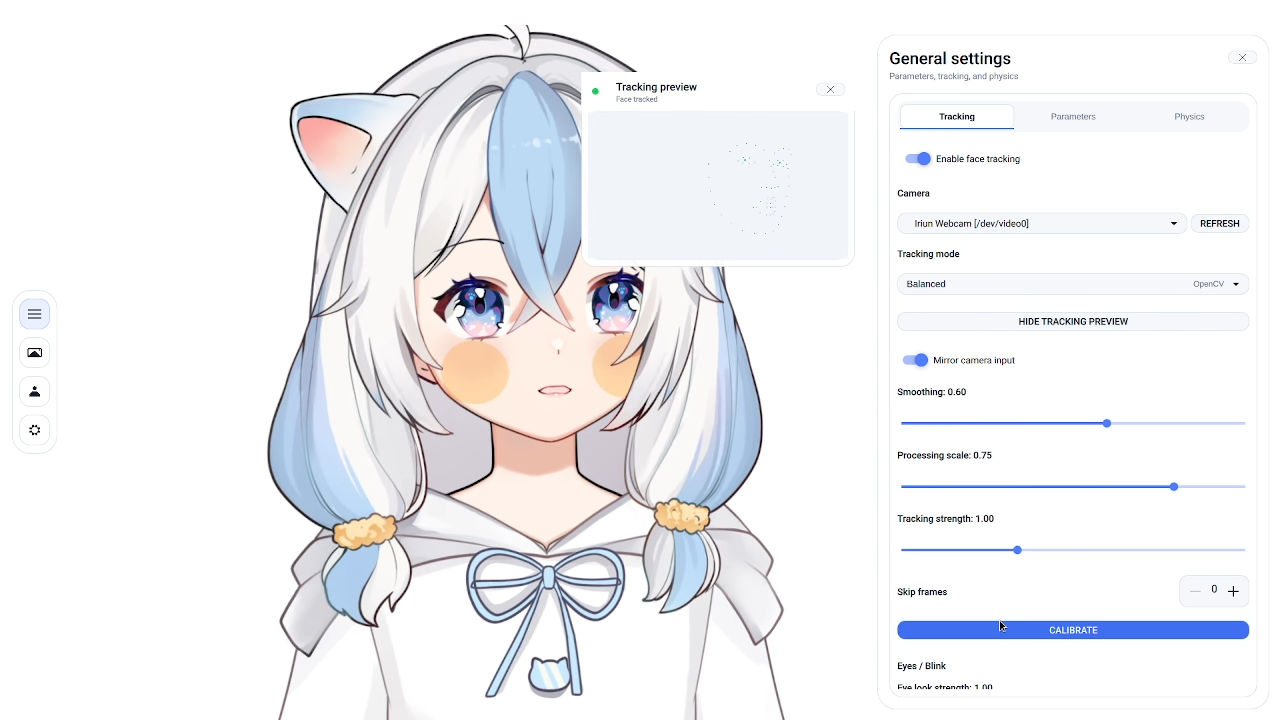
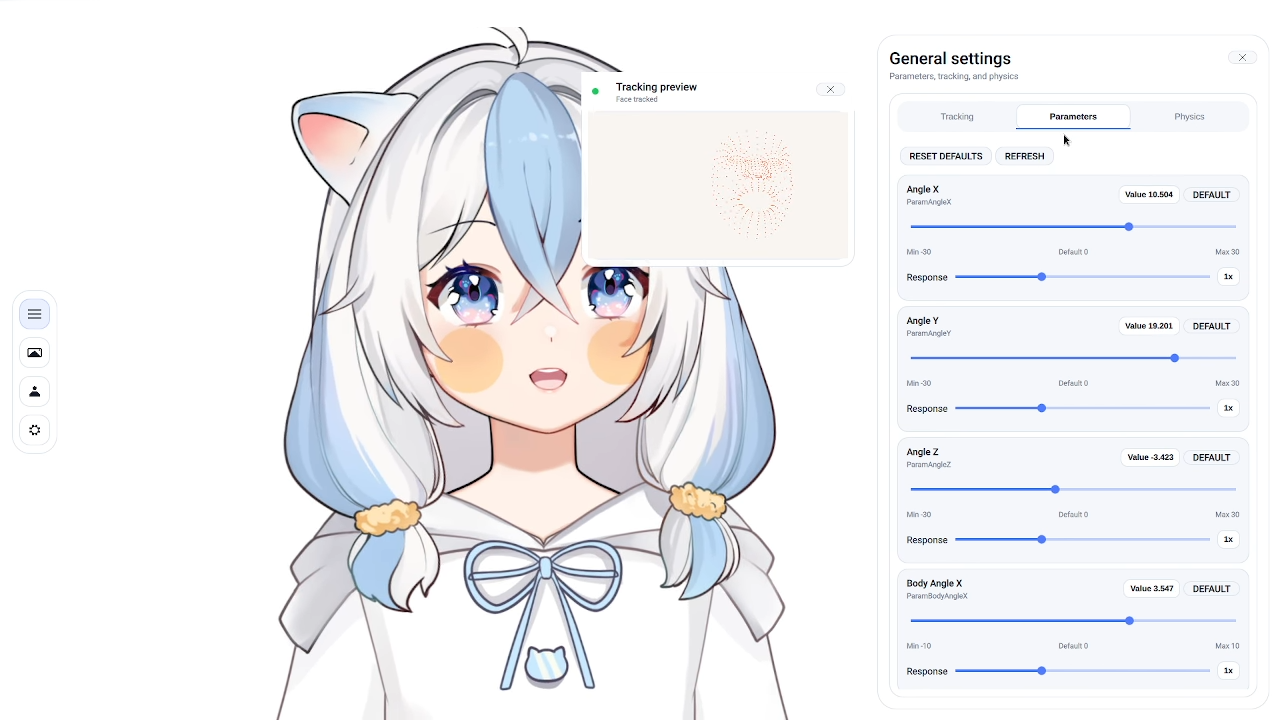
VLiva is VTubing software developed specifically for Linux. It provides the model runtime, tracking, physics, and controls needed to use a Live2D avatar without running the app through a compatibility layer.
01 / DISTRO SUPPORT
These are the root Linux families. Distributions that branch from these bases have a high chance of running VLiva successfully.
02 / FEATURES
Open Live2D models directly on Linux with model physics, standard parameters, and a native Qt/QML interface.
Use OpenCV in the demo for basic left-right motion and blink detection, with full MediaPipe landmarks planned for release.
Run a Live2D avatar in a Linux creator setup for streaming, recording, and OBS workflows.
Adjust model parameters, tracking smoothing and strength, physics forces, background color, and transparent output.
04 / BUILDS
A rough but usable build for trying the core Live2D runtime, basic tracking, and OpenGL rendering.
The release build is the full application track, designed for daily creator use and future tracking expansion.
No. VLiva is currently a closed-source project and is not distributed under an open-source license.
No. VLiva is a native Linux alternative with its own focus, not a replacement for existing tools.
Compatibility is under evaluation because it could simplify migration for existing VTuber workflows.
The demo uses OpenCV only, focused on basic left-right movement and blink detection. MediaPipe full landmarks are planned for the release build.